iPhone and iPad · Free to start
Paper Coach on iPhone and iPad
A drawing teacher for real pen and paper: 120 lessons on 12 paths, whole scenes, and a coach who shows each line and waits while you draw it. Here is every part of it, on both screens.
Get Paper Coach on the App StoreFree to download · iPhone and iPad
 On a computer? Scan this with your iPhone or iPad camera to open Paper Coach in the App Store.
Feature 1
Watch a line, then draw it
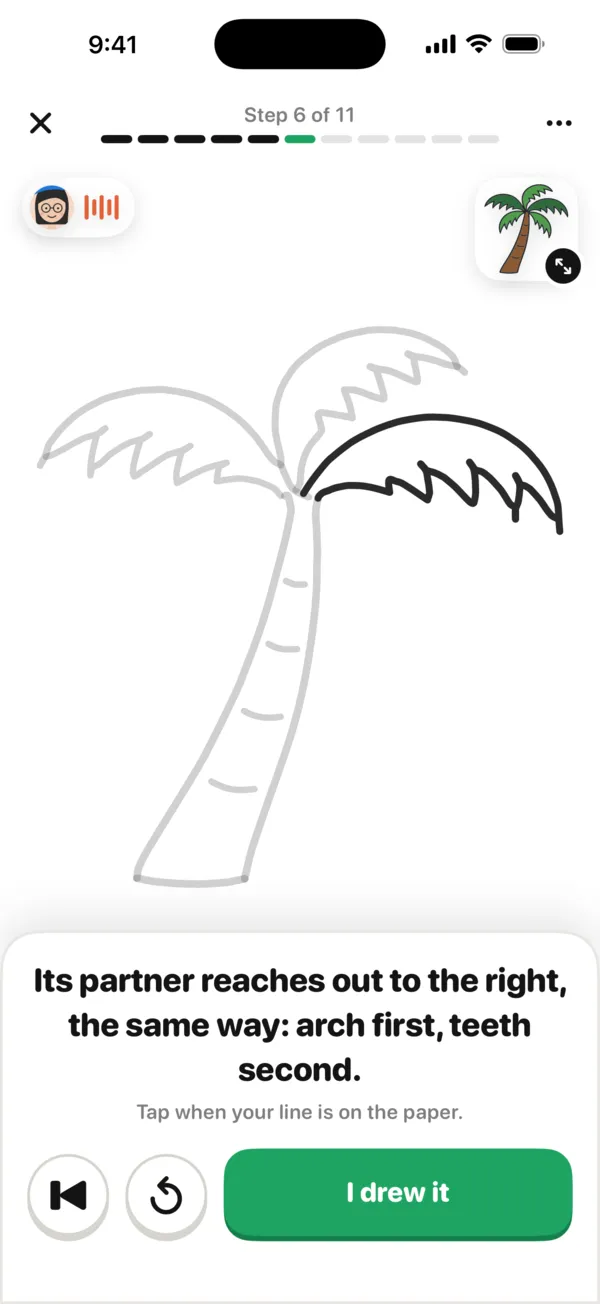
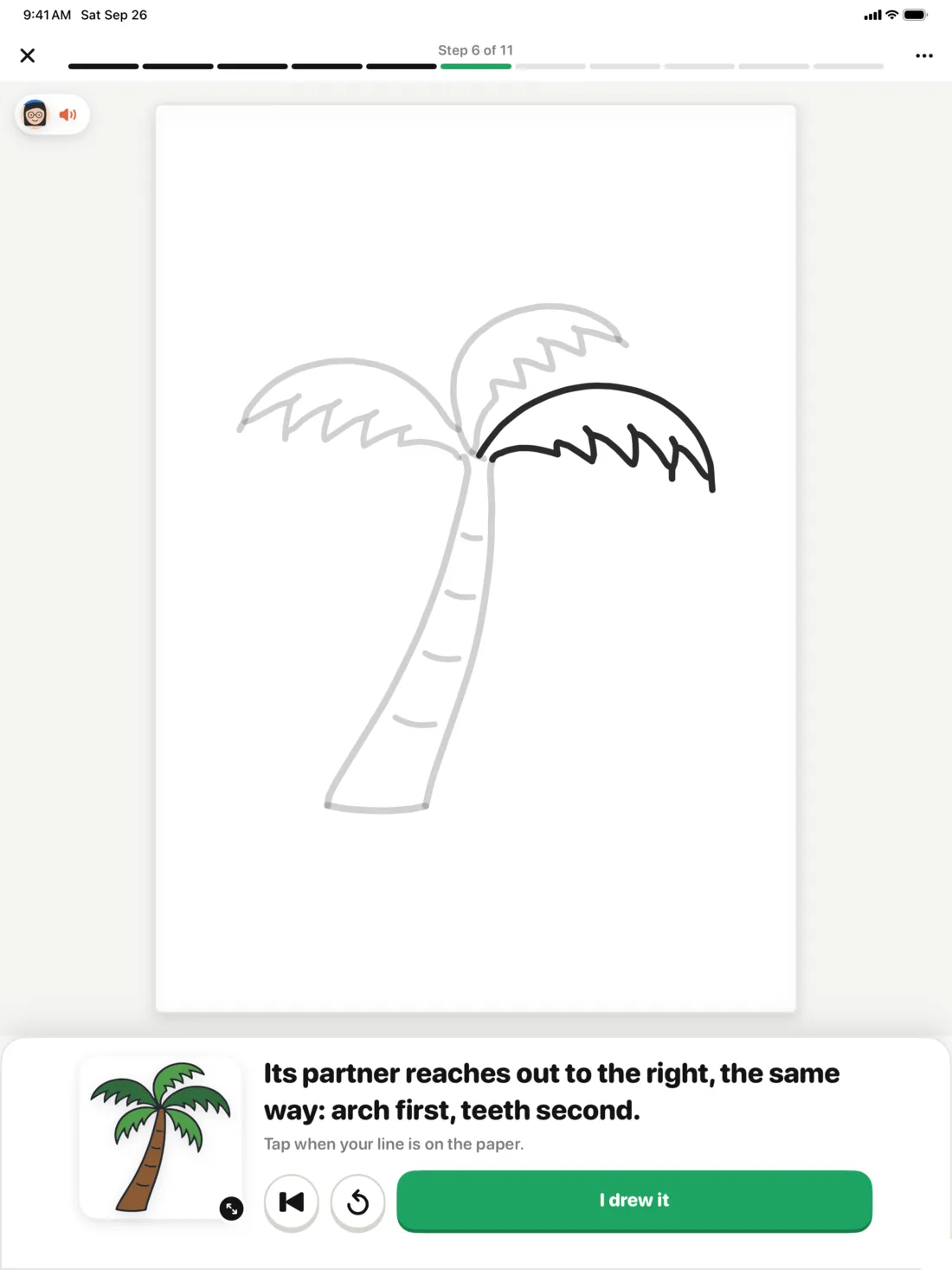
Every lesson goes one line at a time. Lina draws the next line slowly on the screen and says where it starts and where it goes. You draw it on your paper and tap “I drew it”, and only then does the next line come. The lines you have done fade, so the new one stands out.
- Replay a line, or go back a step
- Every step is written out, and Lina reads it aloud
- The finished picture waits in the corner, a tap away
Feature 2
Know what you’re drawing before you start
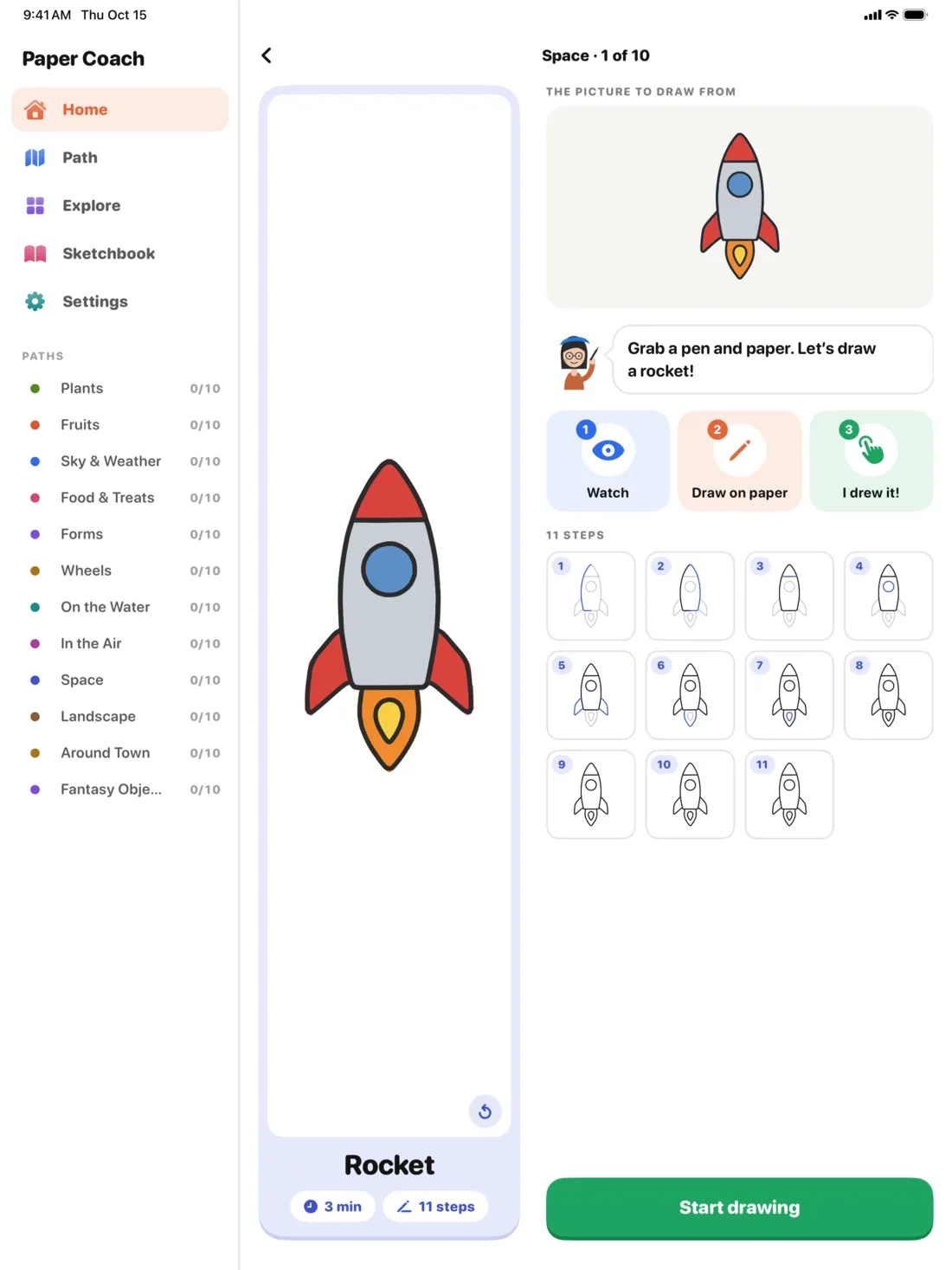
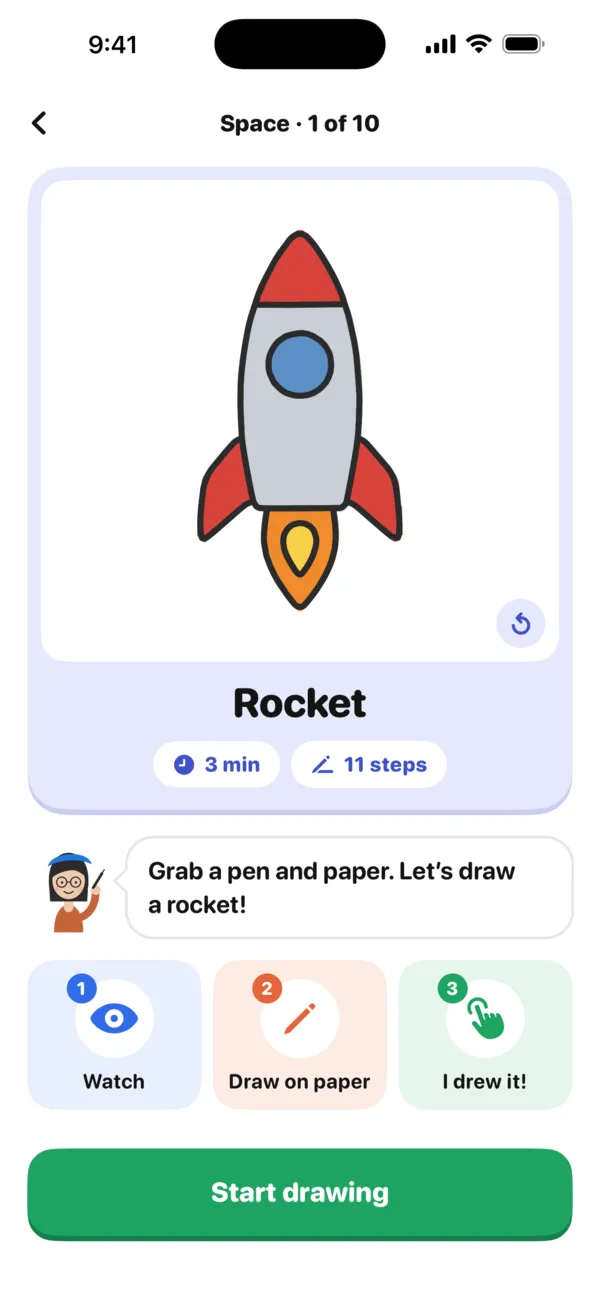
A lesson opens on the finished picture, with its number of steps and about how long it takes. Lina asks you to fetch a pen and paper, and three tiles show how it goes: watch, draw on paper, tap “I drew it”.
Feature 3
12 paths, from easy to advanced
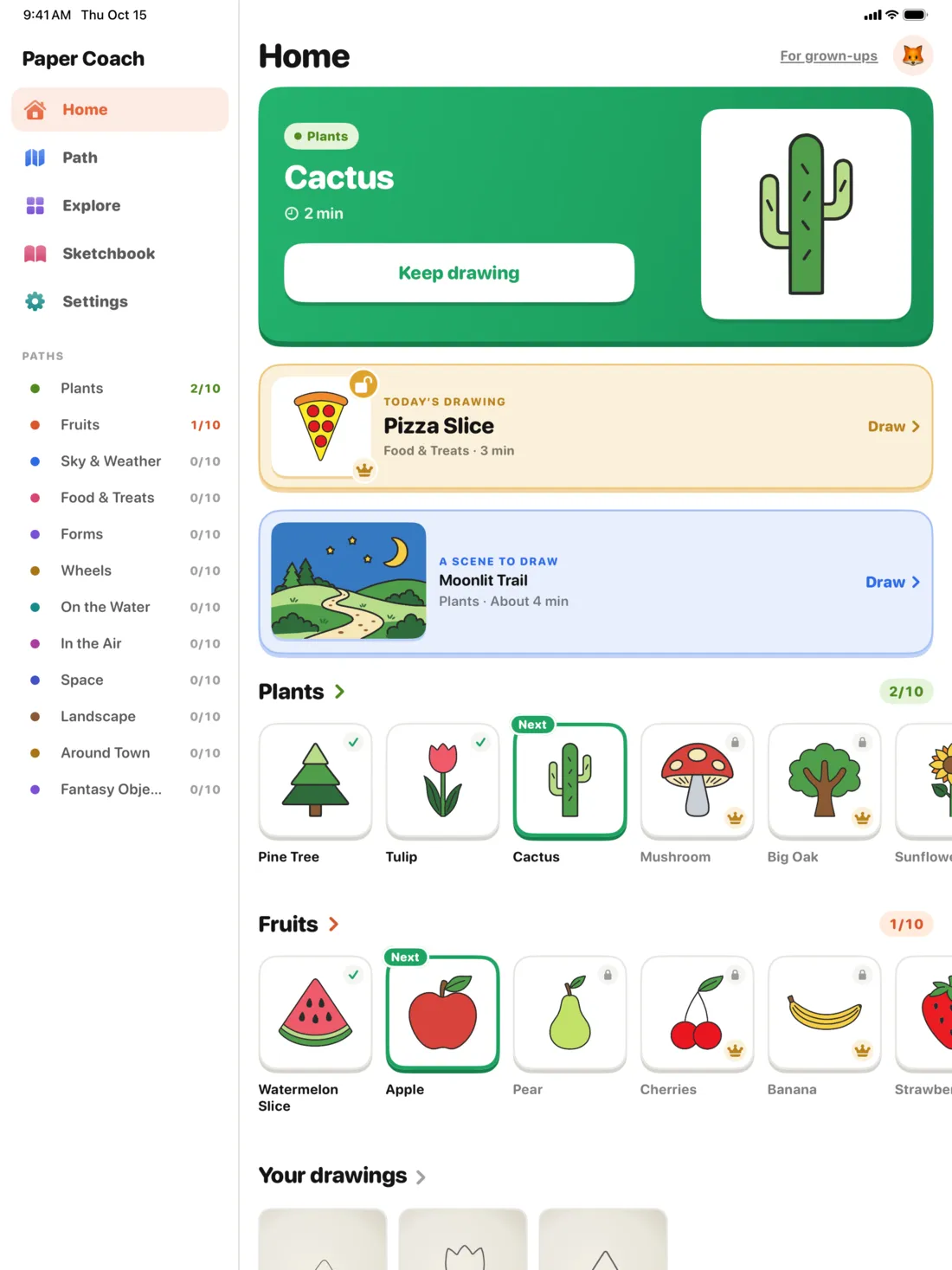
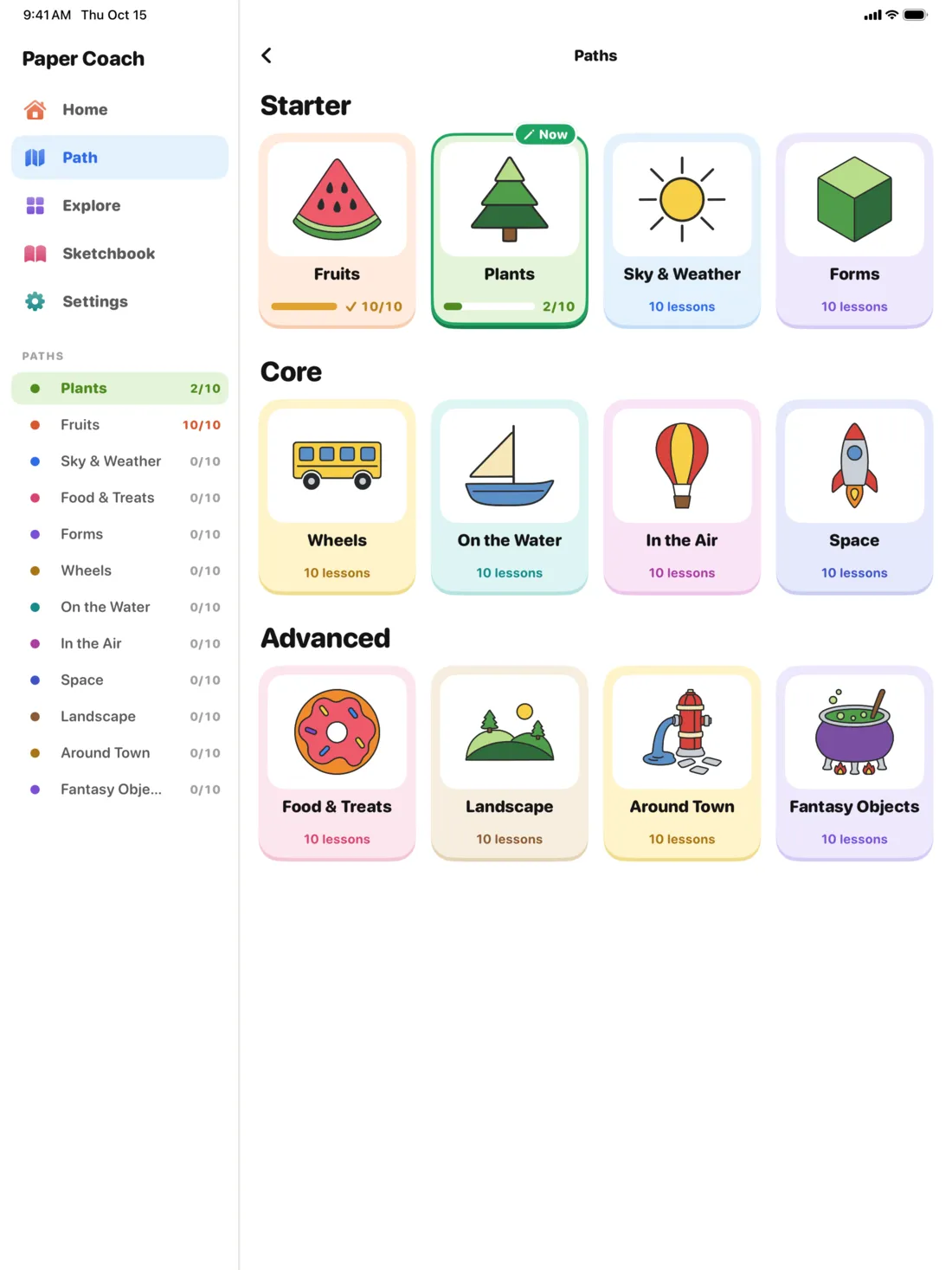
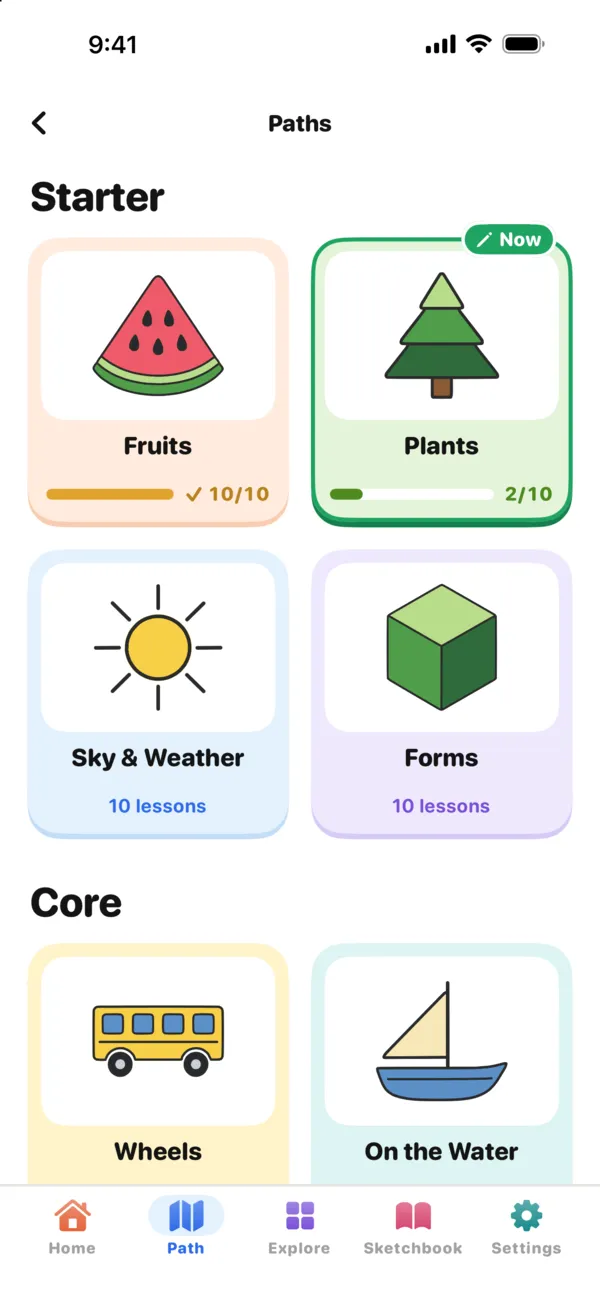
120 lessons in paths of ten: Plants, Fruits, Sky & Weather, Food & Treats, Forms, Wheels, On the Water, In the Air, Space, Landscape, Around Town and Fantasy Objects. Starter paths begin with simple shapes; Core and Advanced ones build on them.
Feature 4
Each lesson builds on the one before
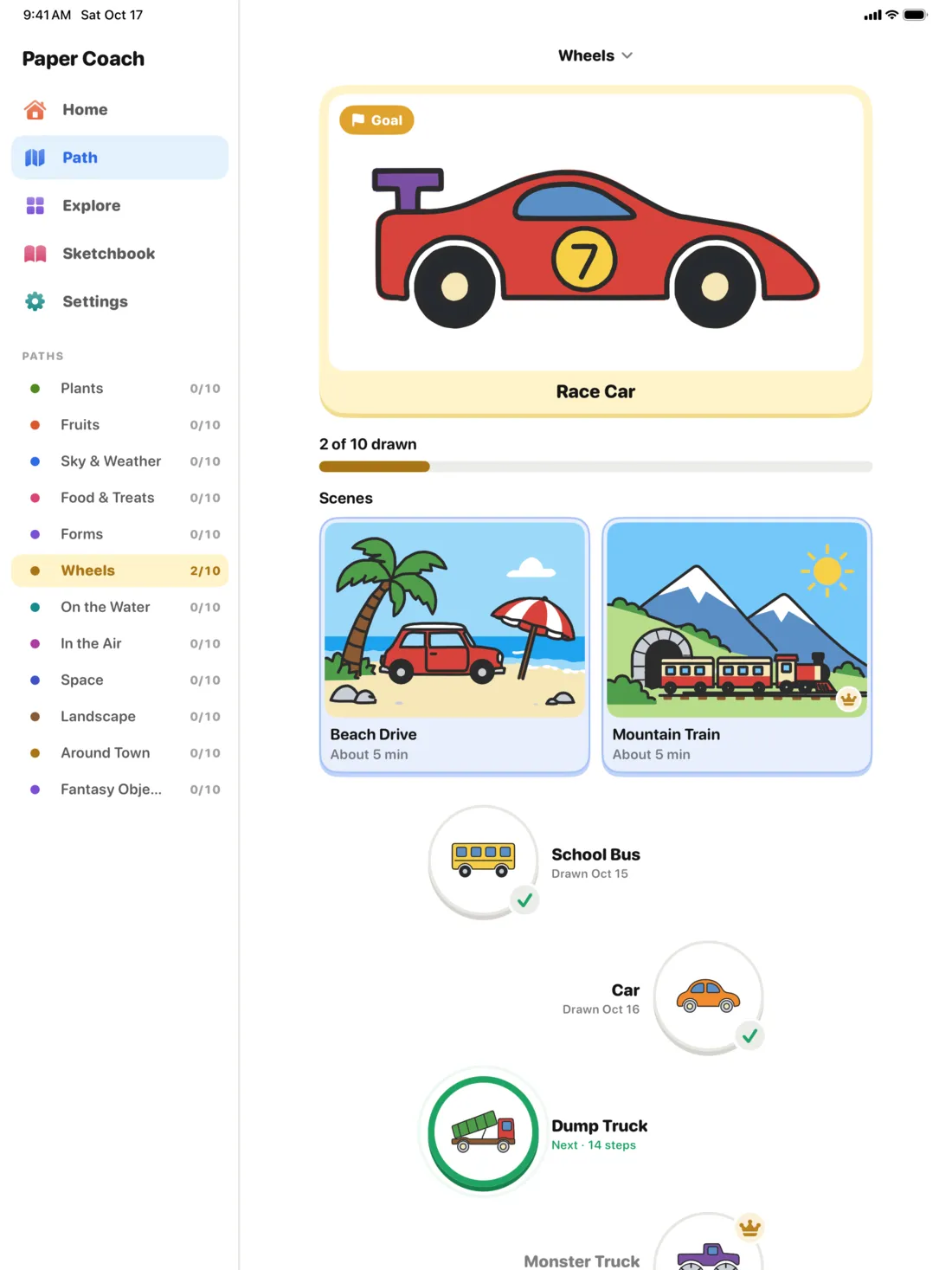
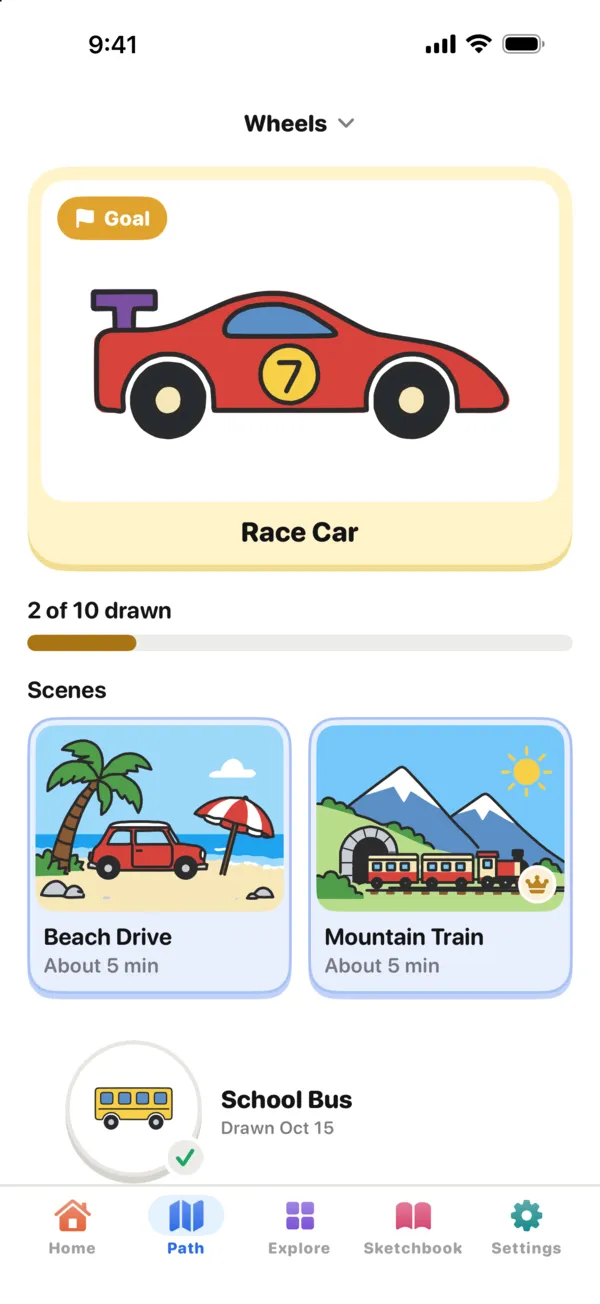
On a path, every drawing uses what the last one taught, so the Wheels path can start with a school bus and end with a race car. The first 3 lessons of every path are free.
Feature 5
Finish it in full color
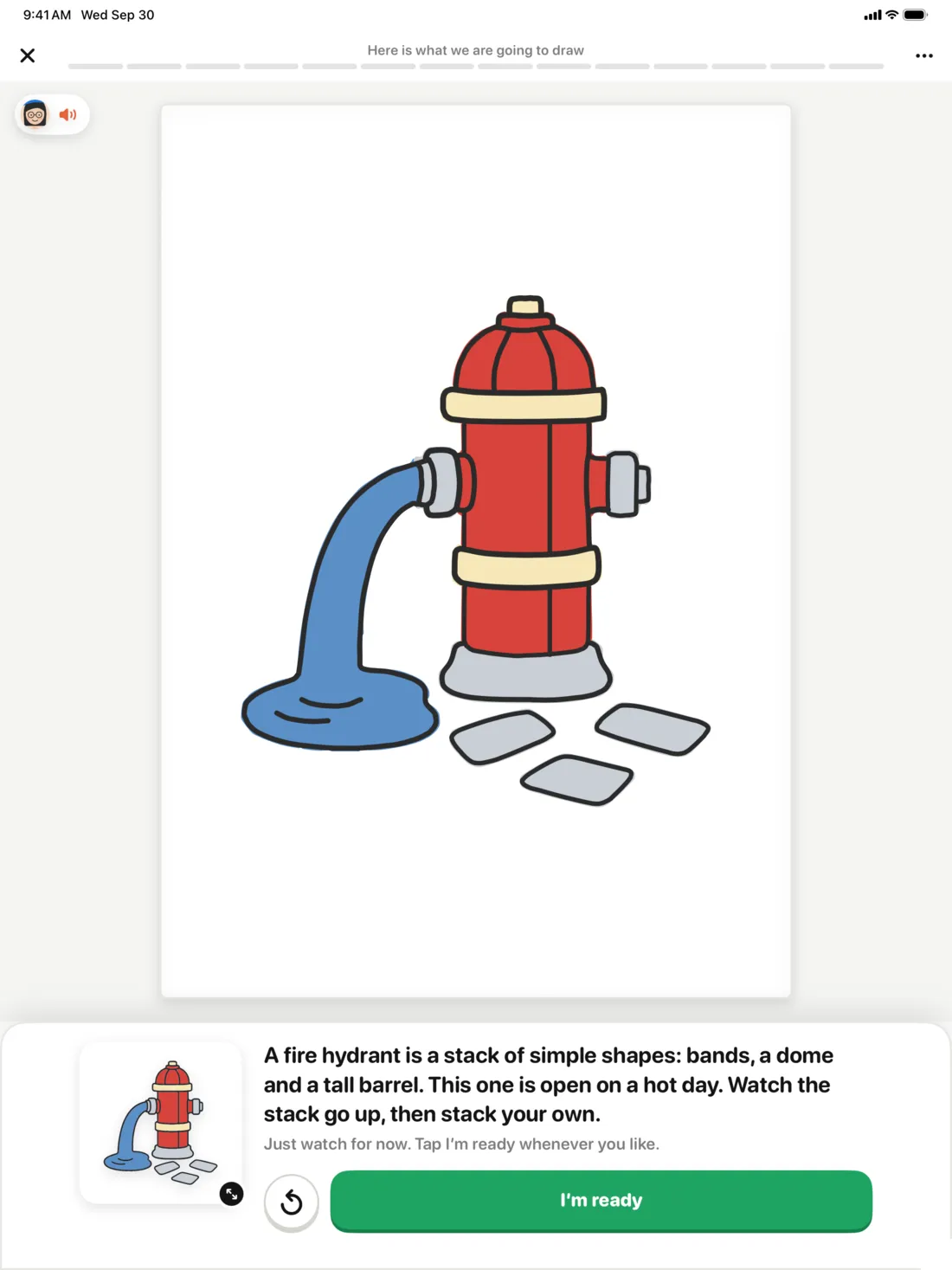
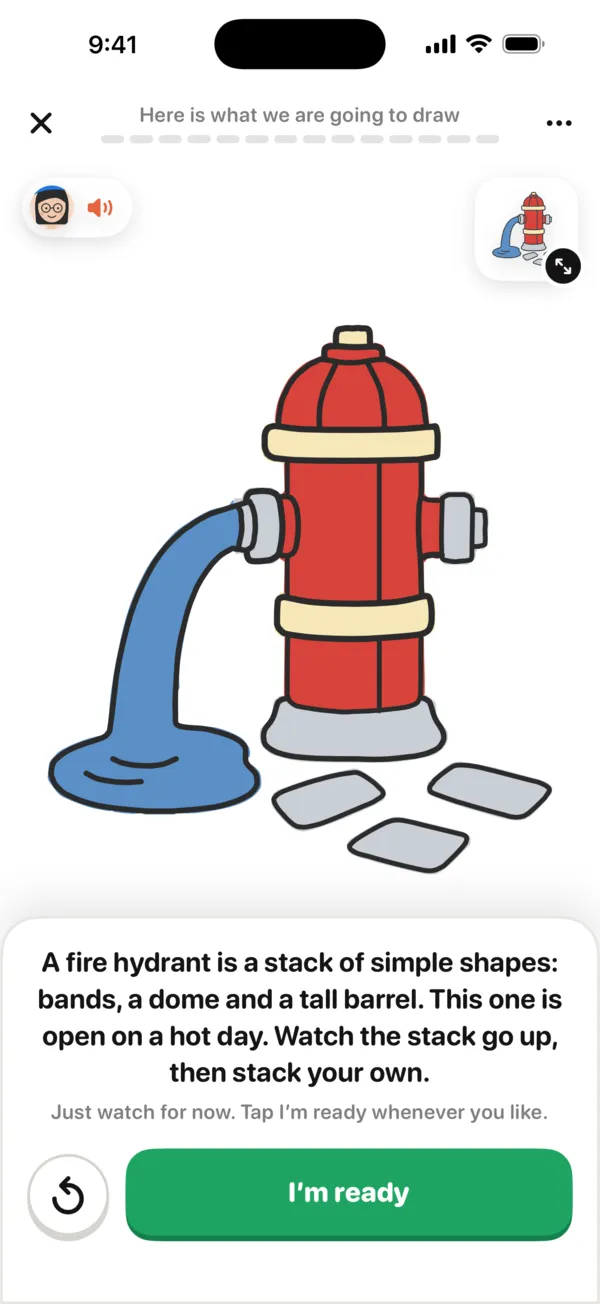
Before the first line, a lesson shows the whole picture, lines over color, so you know where you are headed. Every lesson ends with color steps, one color at a time: match them, or pick your own.
Feature 6
A finished picture in minutes
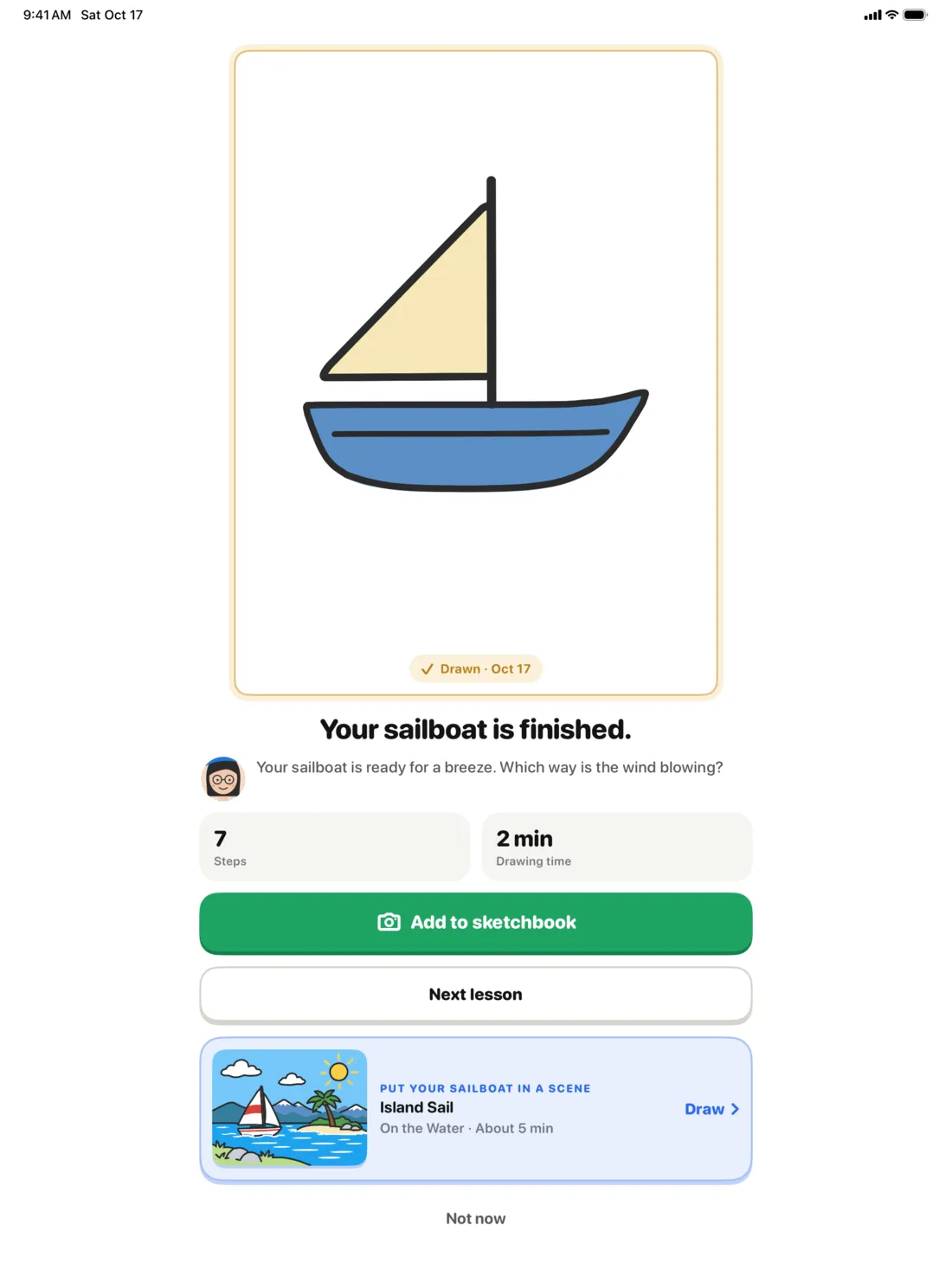
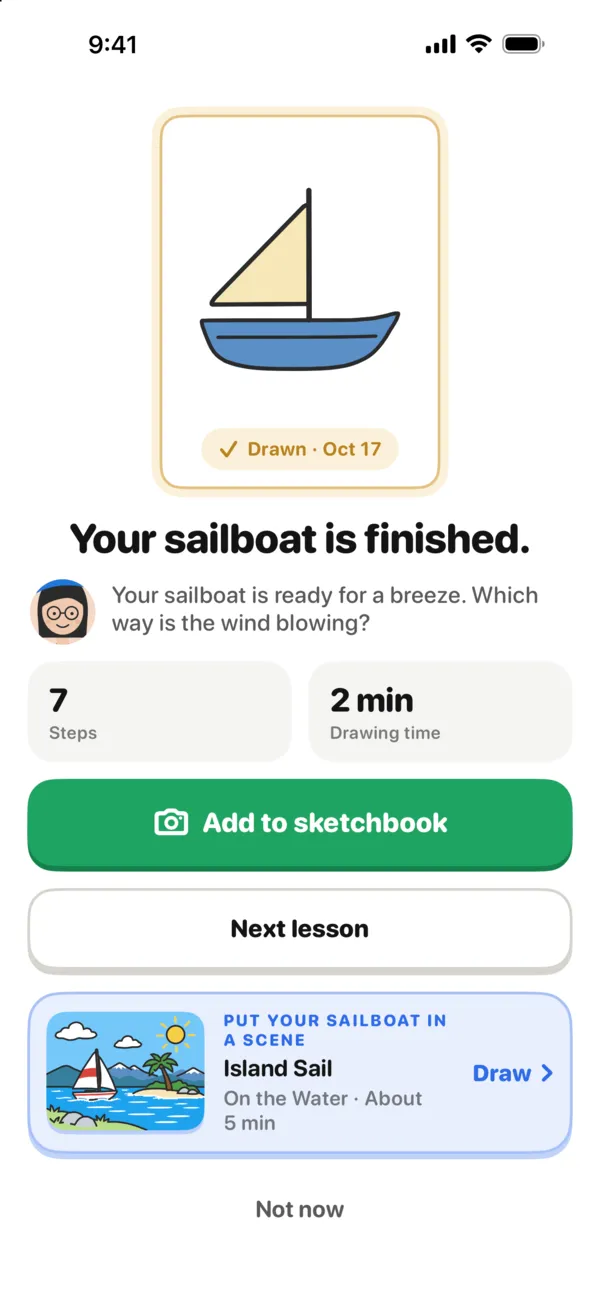
Most lessons take five to ten minutes. At the end you see the steps you drew and how long it took, add a photo of your page to the sketchbook, and go on to the next lesson or put your drawing in a scene.
Feature 7
Keep every drawing
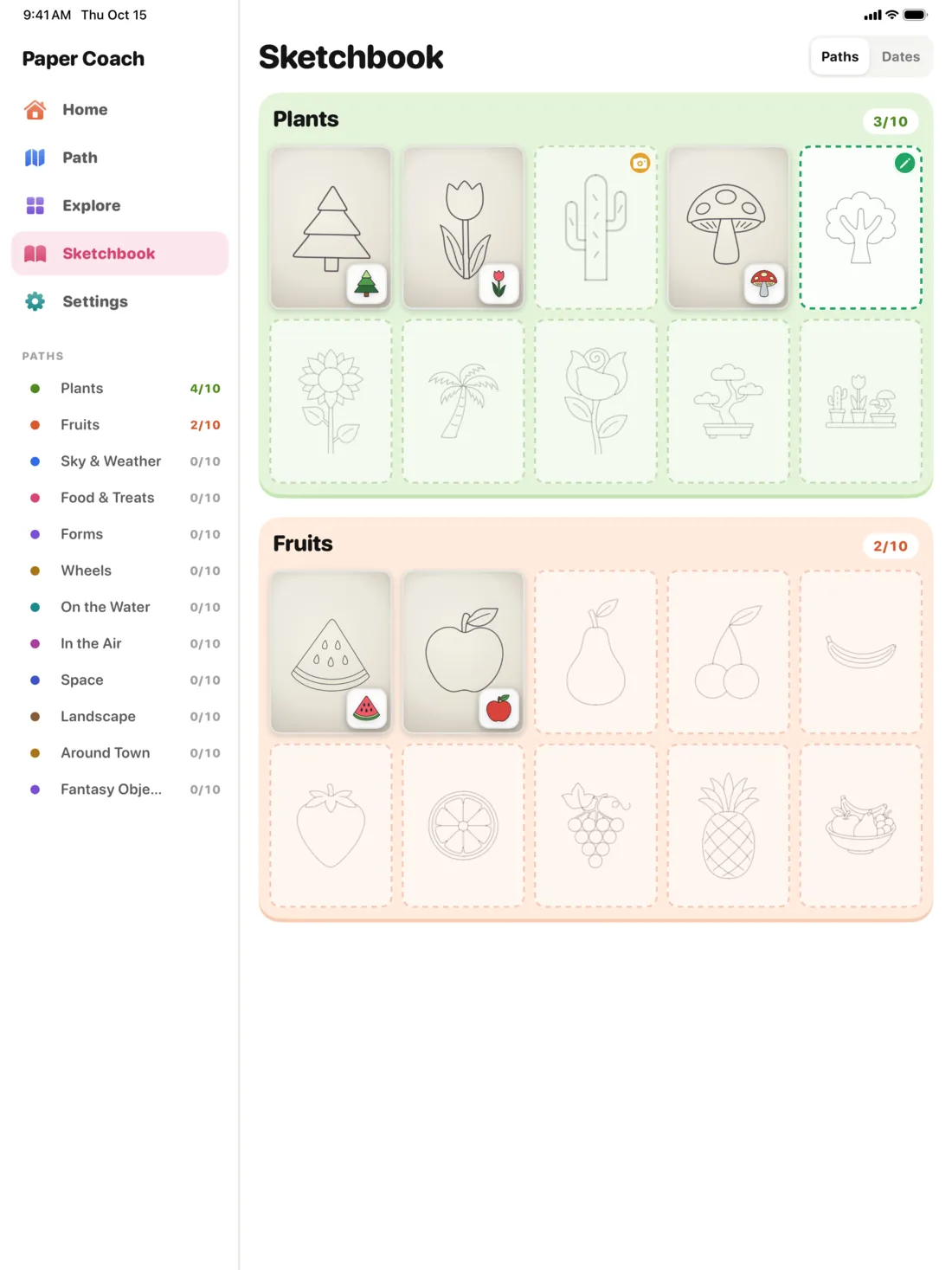
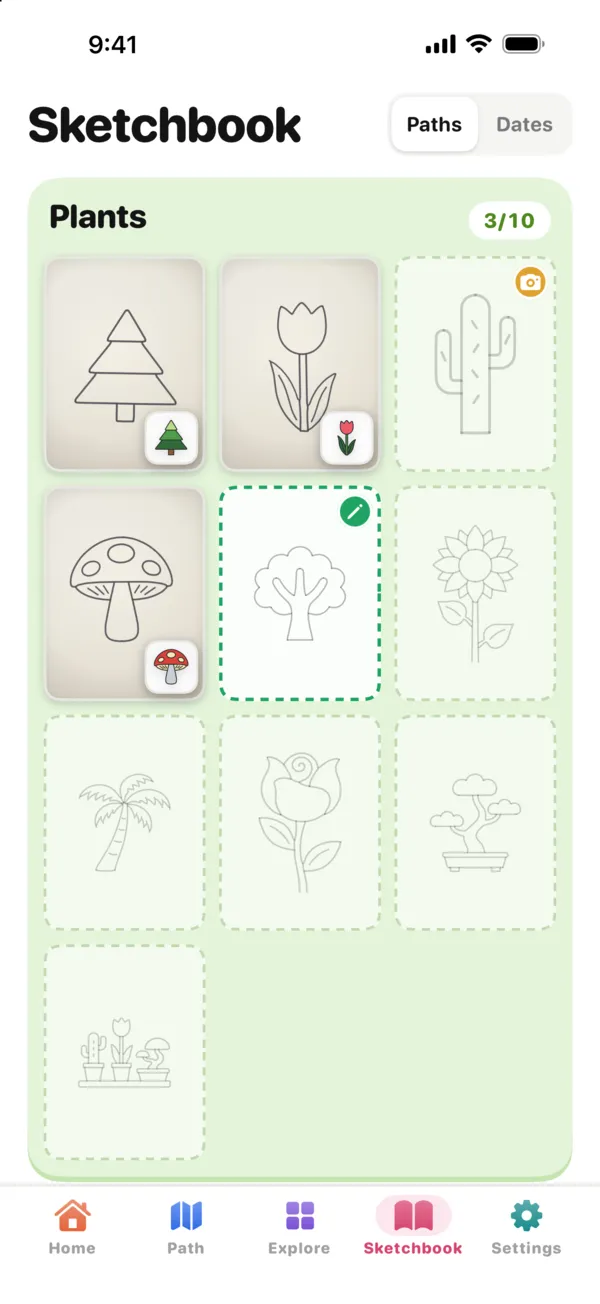
Take a photo of your page and it goes into the sketchbook, beside the lesson it came from, by path or by date. The photos stay on your device.
- Drew it in dim light? Choose Original, Bright or Scan
- Fix the light and the corners later
- Share any drawing as a card
Feature 8
Always something to draw next
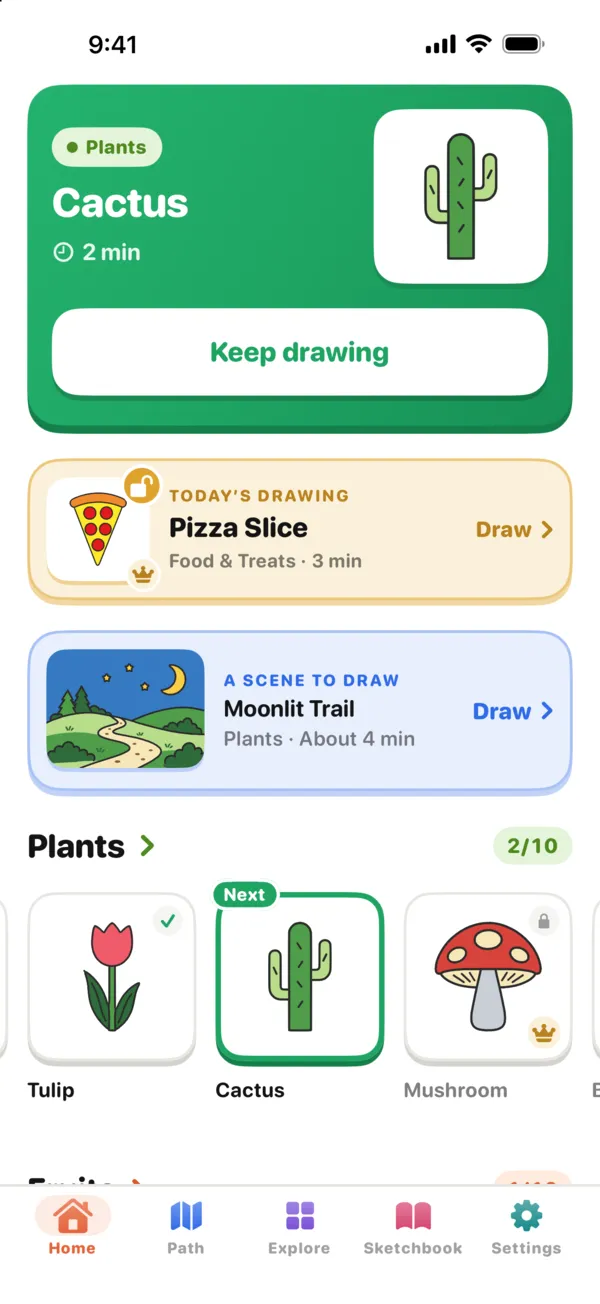
Home picks up where you left off: the next lesson on your path, today’s drawing (a Premium lesson free for everyone that day) and a scene to try.
Feature 9
For grown-ups
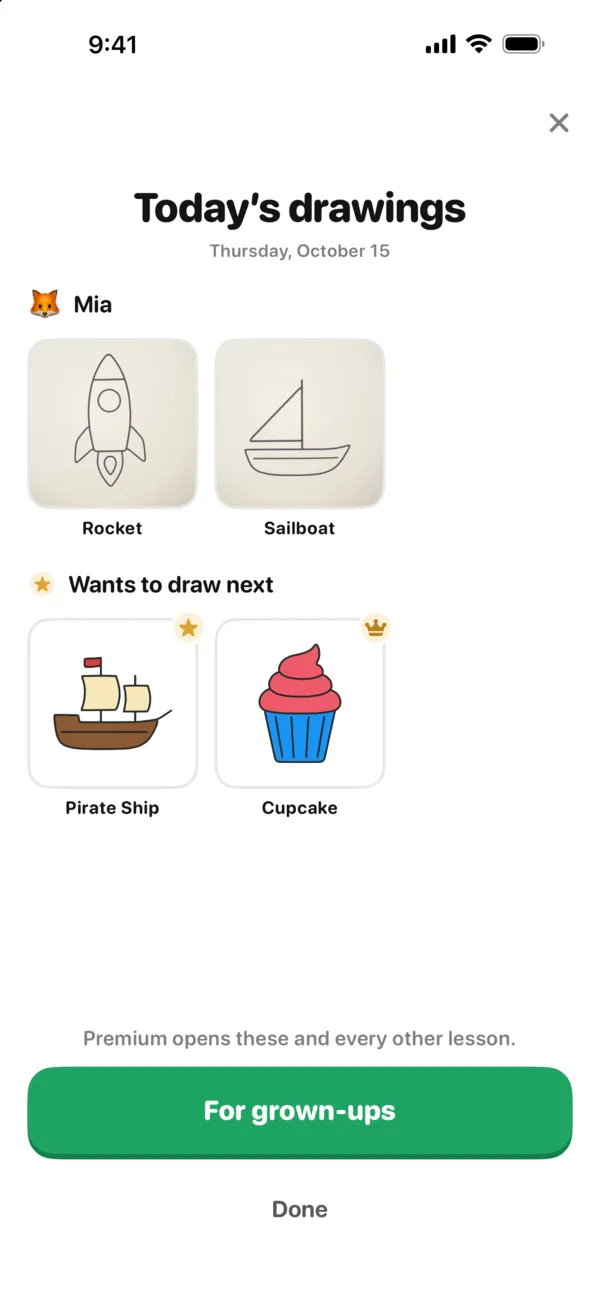
Setting it up for a child? You can get a note in the evening with what they drew that day, and after a week of drawing it gathers everything so far. Prices and settings sit behind a grown-ups’ check, so a child never sees a price.
Scenes
Whole scenes, part by part
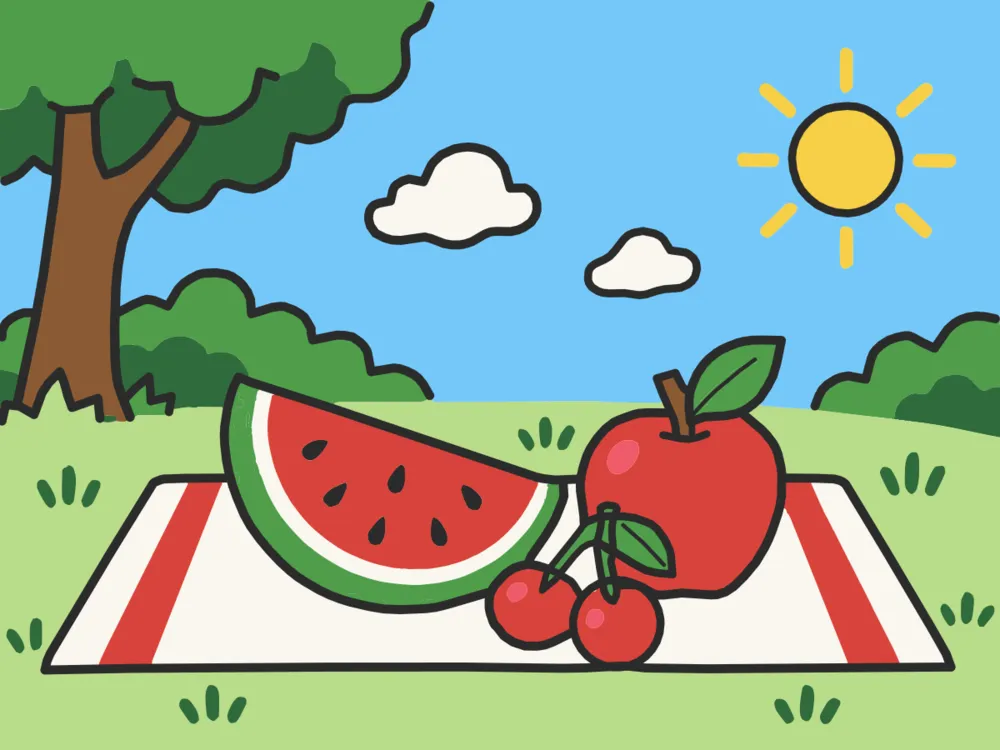
Once a few lessons are done, put them together: 24 scenes, each a whole picture drawn the same way, one part at a time, then colored in. One on every path is free.



Meet Lina
Lina, the coach
Lina is the artist inside the app. She says each step in a sentence or two while its line draws, waits while you draw, and never hurries you or keeps score. Her voice is computer-generated, and a switch in Settings turns it off.
And also
The little things
Profiles for the family
Everyone gets their own profile, progress and sketchbook on the same device.
Sideways for wide pictures
Turn the iPhone or iPad on its side and the wide drawings get the room they need.
Draw again tomorrow?
After a drawing, one tap sets a gentle daily reminder.
A hand for young children
Lina reads the first screens aloud and shows them what to tap.
Quiet when you want
Turn Lina’s voice off in Settings; every step stays written on the screen.
No account
No sign-up. The lessons live on your device, and so do your photos.
Free to start
Free for everyone: the first 3 lessons of every path, one scene on every path, and today’s drawing. Premium opens every lesson and scene, with one payment for life, by the year or by the week, and works with Family Sharing.
Get Paper Coach on the App StoreFree to download · iPhone and iPad
On a computer? Scan this with your iPhone or iPad camera to open Paper Coach in the App Store.